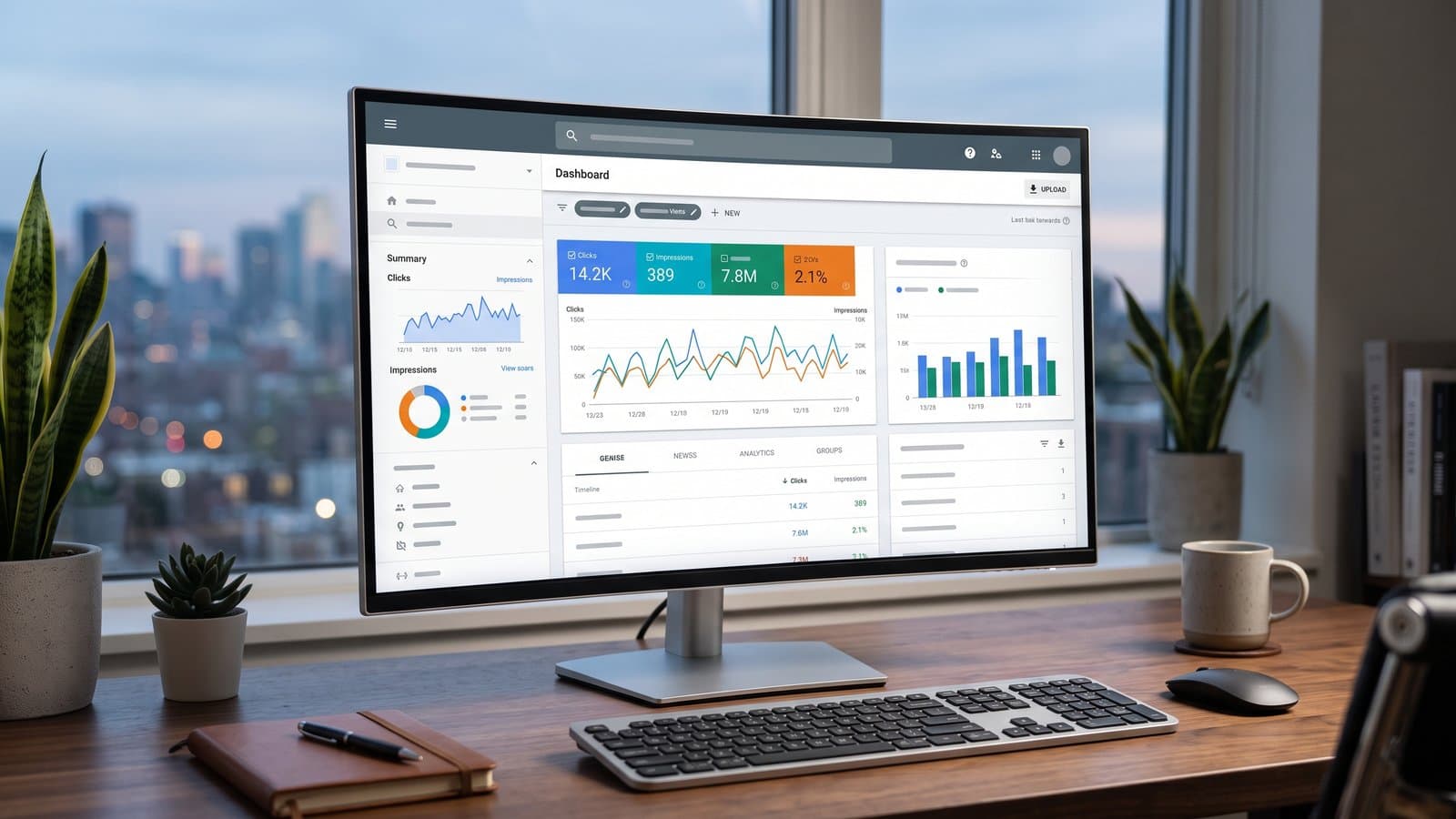
google search console is a free service from google that helps you monitor your website's performance in search results. It provides essential tools and reports to understand how google sees your site, identify technical issues, and optimize your content for better visibility.
For any business owner or marketer aiming to be found online, understanding how google perceives your website is not just an advantage—it's a necessity. This is precisely the role of google search console, a free and powerful platform that acts as a direct line of communication between your website and the world's largest search engine. It provides unfiltered data and diagnostic tools straight from the source.
This guide will walk you through what this indispensable tool is, why it's non-negotiable for your digital presence, and how to leverage its most important features. We will cover everything from initial setup to interpreting key reports and translating those insights into actions that genuinely improve your site's performance in both traditional search and emerging AI-powered answers.
What Is google search console and Why Is It Essential?
google search console is your direct line of communication with google, offering invaluable data on your site's health and search performance.
Think of it as a health dashboard for your website's relationship with google. Unlike tools that estimate traffic or rankings, google search console provides actual data on how often your site appears in search results (impressions), how many people click on it, and what search queries they used to find you. It is fundamentally a diagnostic tool, not a magic button to improve rankings.
Its essential nature comes from its unique position. It is the official channel through which google will notify you of critical issues. If your site is hacked, infected with malware, or receives a manual penalty for violating guidelines, this is where you will find out. Without it, you would be flying blind, potentially unaware of problems that are devastating your online visibility.
how Do I Set Up google search console?
Setting up google search console involves adding your website as a "property" and then verifying that you own it through one of several methods.
Getting started is straightforward. First, you'll need a google account. Once signed in to the search console platform, you will be prompted to add a property, which is simply your website. The most crucial step is verification—proving to google that you have the authority to access this sensitive data.
google offers several ways to do this, each with its own technical requirements. The most common methods include:
As a practical step, we recommend using the DNS record method whenever possible. It's a one-time setup that automatically verifies all versions of your site, including www, non-www, HTTP, and HTTPS, as well as any subdomains. This ensures you are capturing a complete picture of your entire domain's performance.
- HTML file upload: You upload a specific file provided by google to your website's root directory.
- HTML tag: You add a meta tag to the <head> section of your homepage's code.
- google Analytics tracking code: If you already use google Analytics, you can use your tracking code to verify.
- google Tag Manager: A container snippet can be used for verification if you use Tag Manager.
- DNS record: You add a specific TXT or CNAME record to your domain's configuration with your domain registrar.
Navigating the Key Reports: What Should I Look At?
The most critical reports for a business owner are the Performance, Indexing, and Experience reports.
Once you are set up, the sheer amount of data can feel overwhelming. to start, we advise focusing on three core areas that provide the most actionable insights for improving your site's visibility and user experience.
The Performance Report: Understanding your Traffic
This is where you see how your site performs on google search. It breaks down four key metrics: Clicks, Impressions (how many times your site appeared in results), Click-Through Rate (CTR), and Average Position. You can filter this data by search query, page, country, and device.
A powerful way to use this report is to find opportunities for quick wins. For example, you can filter for queries where you have high impressions but a low CTR. This often means people are seeing your site in the results but not clicking. A simple action, like rewriting the page's title or meta description to be more compelling and relevant to the query, can significantly boost clicks.
The Indexing Report: Is google Finding your Pages?
This report, found under 'Pages', tells you which of your website's pages google has successfully added to its index and which it hasn't. If a page isn't indexed, it cannot appear in search results. The report groups pages with issues, citing reasons like 'Page with redirect', 'Not found (404)', or 'Crawled - currently not indexed'.
When you find an important page that isn't indexed, your next step is the URL Inspection tool. You can enter the page's URL into the search bar at the Top of google search console to get a detailed diagnosis. The tool will tell you if the page is eligible for indexing and allow you to request that google recrawl it. This is a crucial check to perform for any new or updated content you want to rank.
The Experience Report: Core Web Vitals and Mobile Usability
google wants to send users to websites that provide a good experience. This report measures that. The Core Web Vitals section assesses your site's loading speed, interactivity, and visual stability (LCP, INP, and CLS). It will flag URLs as 'Good', 'Needs improvement', or 'Poor'.
Additionally, the Mobile Usability section is critical, as most searches now happen on mobile devices. It will alert you to common problems that make a site difficult to use on a phone, such as 'Text too small to read' or 'Clickable elements too close together'. Fixing these issues not only helps your SEO but directly improves the experience for a majority of your visitors.
google search console vs. google Analytics: What's the Difference?
google search console focuses on your site's performance in google search before a user clicks, while google Analytics tracks user behavior after they arrive on your site.
Many business owners confuse these two free tools from google, but they answer fundamentally different questions. google search console is your SEO tool; it tells you about your visibility on the search engine results page. google Analytics is your user behavior tool; it tells you who your visitors are and what they do once they are on your website.
Both are essential and should be used together. For instance, you might use search console to discover a high-traffic keyword, then use Analytics to see if visitors who arrive via that keyword are converting into customers or leaving immediately. Connecting the two platforms allows some of this search console data to be viewed directly within your Analytics reports, providing a more seamless view of the customer journey.
Key Differences: google search console vs. google Analytics
| Feature | google search console | google Analytics |
|---|---|---|
| Primary Focus | Pre-click search performance and technical health | Post-click user behavior and conversions |
| Key Metrics | Clicks, Impressions, CTR, Average Position | Sessions, Users, Engagement Rate, Conversions |
| Data Source | google's search index and crawling data | Tracking code installed on your website |
| Main Question Answered | "how do people find my site on google?" | "What do people do once they are on my site?" |
Common Mistakes to Avoid When Using google search console
The most common mistakes include ignoring error notifications, looking only at Top-level data, and not submitting a sitemap.
While it's a powerful tool, its data can be misinterpreted, or its most critical features can be overlooked. Avoiding a few common pitfalls will ensure you get the most value from the platform.
- Ignoring Email Alerts: These are not spam. Emails from google search console often signal critical issues like indexing problems, security vulnerabilities, or manual actions that require your immediate attention.
- Focusing Only on Average Position: This single metric can be very misleading. A page can rank #1 for one niche term and #50 for another, resulting in a confusing average. It's more useful to analyze the position for specific, important queries.
- Not Submitting a Sitemap: An XML sitemap is a file that lists all your important URLs. Submitting one via GSC helps google discover and index your content more efficiently, especially for large or new websites.
- Misinterpreting 'Crawled - currently not indexed': This status doesn't always mean there's a technical error. It often means google has seen the page but decided its quality or uniqueness doesn't warrant inclusion in the index. The solution is usually to improve the content, not just request re-indexing.
how Does GSC Data Help with AI visibility?
The performance data in google search console provides direct clues about the questions users are asking, which is fundamental to being featured in AI answers.
As search evolves to include AI-generated summaries (like google's AI Overviews), the principles of being a useful, authoritative source become even more important. AI models are designed to find and synthesize the best, most direct answers to user questions from the web. The 'Queries' report in your performance data is a goldmine for this.
It shows you the exact questions and phrases your audience is using. By creating clear, well-structured content on your site that directly answers these queries, you significantly increase your chances of being used as a source for an AI-generated response. The data helps you move from guessing what users want to knowing what they want.
While google search console shows you the potential for AI visibility by revealing user queries, specialized tools are needed to confirm the outcome. This is why understanding your AI visibility: how to check whether ChatGPT, Gemini and google recommend your business is a critical next step after analyzing your search console data.
At Go Top SEO, we use the insights from google search console as a starting point. We then cross-reference this data with our systems that directly check if a business is being mentioned in AI-generated answers, closing the loop between search performance and generative AI visibility.
Beyond the Basics: Taking Action on GSC Insights
The true value of google search console lies in translating its data into concrete actions that improve your website.
Data without action is just trivia. The final and most important step is to establish a simple, repeatable process for turning GSC insights into tangible website improvements. Don't try to fix everything at once; focus on small, impactful changes.
Here is a simple workflow you can follow: 1. In the Performance report, identify a page with high impressions but a low click-through rate. 2. Analyze the specific queries that page is ranking for. 3. Rewrite the page's title tag and meta description to better align with the language of those queries. 4. Use the URL Inspection tool to request re-indexing of the updated page. 5. Monitor the results in GSC over the next few weeks to see if your CTR improves.
If analyzing data and implementing these changes feels overwhelming, a platform can streamline the process. Go Top SEO is designed for business owners who want to leverage these insights by automatically tracking keyword positions and even publishing optimized content directly to their WordPress or Shopify site. You can see how it works when you sign up for an account through our website.
Frequently Asked Questions
Is google search console the same as the old google Webmaster Tools?
Yes, they are the same. google renamed 'google Webmaster Tools' to 'google search console' in 2015 to reflect that the tool is useful for everyone involved with a website, not just webmasters. This includes marketers, business owners, and SEO specialists. All the original functionality remains, with many new features added over the years.
Can google search console hurt my rankings?
No, using google search console cannot directly hurt your rankings. It is purely a diagnostic tool that provides information. However, ignoring critical errors reported in GSC, such as security issues or manual actions, can lead to your site's performance suffering. The tool itself is for monitoring and reporting; it does not penalize your site.
how often should I check google search console?
For a typical small business, checking google search console once or twice a month is sufficient to monitor trends and catch major issues. However, you should always pay immediate attention to any email alerts from google. After making significant site changes, like a redesign or content overhaul, it's wise to check more frequently for a few weeks.
Why does GSC show fewer clicks than google Analytics shows sessions?
This is normal because they measure different things. GSC counts clicks only from google's organic search results. google Analytics counts 'sessions' from all traffic sources, including social media, direct visits, and paid ads. The two platforms also process data differently and have different definitions for what constitutes a 'user', so a one-to-one match is not expected.
One website
Basic
- 4 articles a month, written and published to your website automatically
- 1 website
- Track up to 50 keywords
- Up to 50 Google ranking checks a month
- Up to 10 AI visibility checks a month
One website
Advanced
- 12 articles a month, written and published to your website automatically
- 1 website
- Track up to 100 keywords
- Up to 100 Google ranking checks a month
- Up to 20 AI visibility checks a month
Multiple websites
Premium
- 50 articles a month, written and published automatically, shared across all your websites, up to 5 a week per website
- Up to 10 websites
- Track up to 100 keywords per website
- Up to 200 Google ranking checks a month per website
- Up to 20 AI visibility checks a month per website
Agencies
Agency
- 200 articles a month, written and published automatically, shared across all your websites, up to 5 a week per website
- Up to 100 websites
- Track up to 200 keywords per website
- Up to 400 Google ranking checks a month per website
- Up to 50 AI visibility checks a month per website
No credit card. Cancel any time.